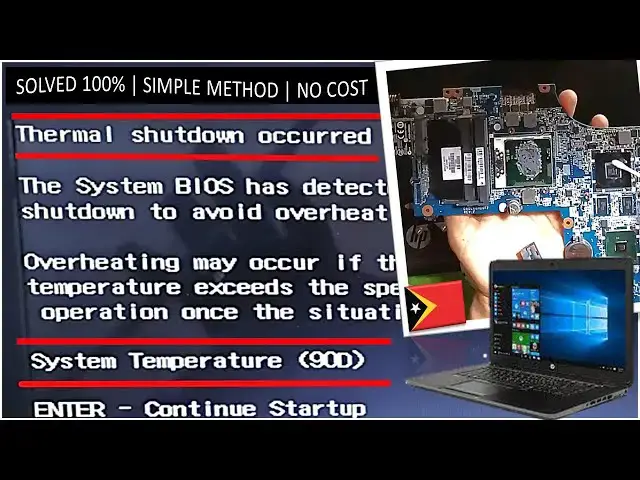

PROBLEM SOLVED: Thermal Shutdown occurred | System Temperature (90D) | hp Pavilion dv6 Laptop
Sep 30, 2024

This video tutorial guides you through the process of resolving the 'Thermal Shutdown Occurred - System Temperature (90D)' issue that can happen in any laptop. This issue arises when your laptop overheats and shuts down.
👍Our easy-to-follow steps will help you manage your laptop's temperature effectively, preventing it from overheating and shutting down.
📽️By watching our video, you'll gain the knowledge to keep any laptop in optimal working condition. Let's ensure your laptop stays cool and performs well!
🌐Visit our blog: https://fahehoita.blogspot.com/
📝Disassembly Process:
0:00 Intro
0:22 Disassembly the cover
02:12 Detach the keyboard & front cover
03:30 Detach the motherboard
04:36 Detach the thermal cooling components
05:23 Clean off the dried thermal paste
08:09 Apply new fresh thermal paste
08:33 Re-assembly everything
10:43 Turn on the laptop
10:57 Booting & Login Successfully
11:11 Outro
Show More Show Less